Everything else here measures how AI assistants answer about you. Search Console measures something different and just as useful: what Google already shows your site for. Connecting it puts the two side by side — the questions people type, and the answers machines give.
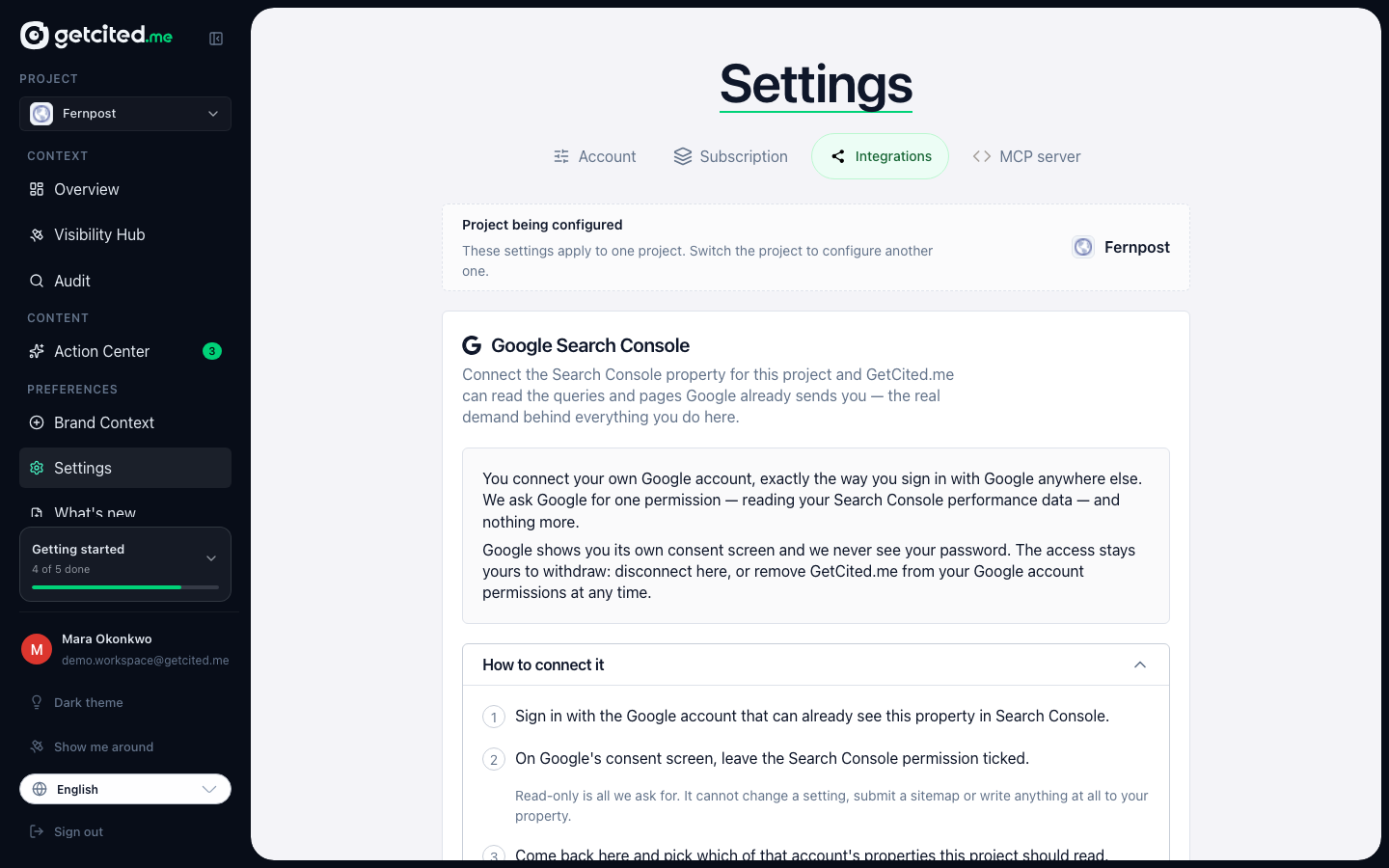
What connecting does
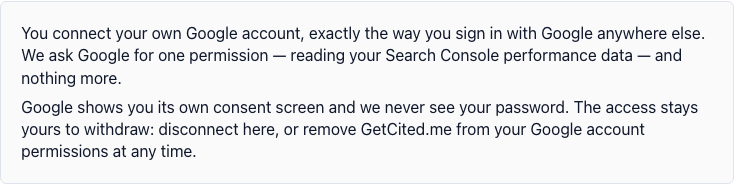
You sign in with your own Google account and grant one permission: read your Search Console performance data. That is the entire scope. It cannot change a setting, submit a sitemap, or write anything at all to your property, and we never see your Google password — the consent screen is Google's, and you can withdraw it from your Google account at any time.
Once connected we pull daily figures for the property you choose: clicks, impressions, average position, by page and by search query.
Connecting it
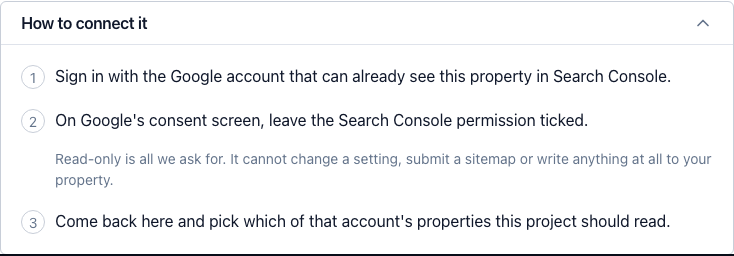
Open Settings → Integrations and press Connect Search Console. Three things happen:
- Sign in with the Google account that already sees this property. Access follows the account, not the person — if your Search Console is on a different Google account than the one you use here, use that one.
- On Google's consent screen, leave the Search Console permission ticked. Google lets you untick it and still finish; if you do, the flow completes and nothing works, because we were granted nothing. This is the one place worth slowing down.
- Come back and pick the property. The permission covers every property that account can see, so choosing which one this project reads is a separate, deliberate step. We pre-select the one whose address matches your site, but you decide.
If your site is not in Search Console at all, add and verify it there first — we can only read properties Google already knows you own.
What you get
Your pages, ranked by what Google already gives them. The Pages screen puts search demand next to citation data, which answers a question neither source can answer alone: which of your pages does Google already show, and which of those has an AI answer never once cited? Those are the cheapest citations to win, because the hard part — Google finding the page relevant — is already done.
Real queries instead of guesses. When we generate topics for a new cluster, the questions we track are grounded in the phrasing your site is genuinely found for, rather than only in what a model inferred from your pages. Brand-name queries are deliberately left out of that: your own name is the one thing the model already knows, and feeding it back drags the topic toward your brand and away from the category you are trying to win.
Data arrives with Google's own delay — usually two to three days — so the most recent days are always incomplete. That is Google's lag, not ours.
What we store, and for how long
Daily aggregates for the connected property — clicks, impressions and average position, by page and by query — plus the authorisation token that lets us read them. The token is encrypted at rest.
We do not read anything else in your Google account, we do not sell this data, we do not share it with brokers or advertisers, and we do not use it to train AI models.
When you disconnect, it goes. We delete the stored Search Console rows and the token, and ask Google to revoke the authorisation. Disconnecting is one button on the same tab, and it does not wait for our side to succeed: your data is removed either way.
When it stops working
A Google authorisation can lapse — you revoke it, someone removes your access to the property, or it sits unused for months. The connection then shows as needing attention, and the fix is always the same: press Connect again and re-grant. Nothing is lost while it is disconnected except new days of data.
If the property list comes back empty, the Google account you signed in with does not own any verified property. Sign in with a different one, or verify the site in Search Console first.